Canvas系列:windows泡泡屏保
本文尝试用原生canvas实现windows的泡泡屏保效果,基于vue3框架
最终效果如下: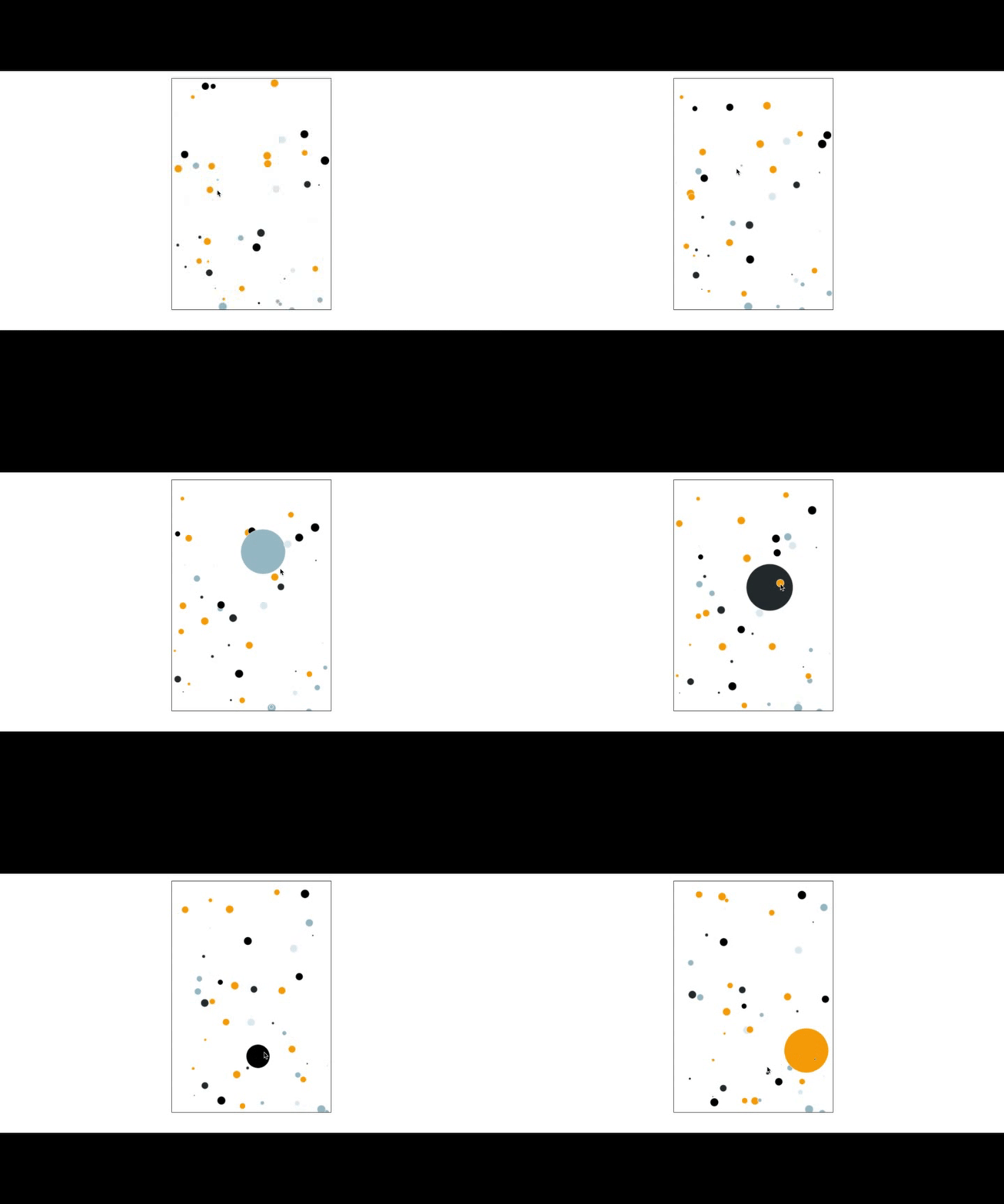
首先html代码创建一个canvas画布
<div class="steam">
  <canvas width="360" height="520"></canvas>
</div>
...
...
// 页面挂载完毕后,依次执行画布和circle初始化
onMounted(() => {
  initCanvas()
  createCircles()
})

const initCanvas = () => {
  const canvas: any = document.querySelector('canvas')
  c = canvas.getContext('2d')
  canvas.onmousemove = (e: any) => {
    moveInfo.x = e.x
    moveInfo.y = e.y
    moveInfo.actualX = moveInfo.x - canvas.getBoundingClientRect().left
    moveInfo.actualY = moveInfo.y - canvas.getBoundingClientRect().top
  }
}
通过canvas的
onmousemove事件获取e对象,其中的x、y坐标为大视图区域的坐标。再通过getBoundingClientRect获取canvas的左上顶点,通过这两个值,可以得出以canvas左上顶点为原点的相对坐标值actualX、actualY。创建circle军团
const createCircles = () => {
  for (let i = 0; i < 50; i++) {
    cirArr.push(new Cir(randomArea([10, 390]), randomArea([10, 590]), randomArea([1, 10]), Math.random() * 1, Math.random() * 1, colors[parseInt(Math.random() * (colors.length + 1) as any)]))
  }
}
给定相关参数,初始化我们的circle军团,统一存放在数组中。这里我们写了一个
Circle类。
class Cir {
    x: number;
    y: number;
    radius: number;
    dx: number;
    dy: number;
    color: string;
    constructor (x: number, y: number, radius: number, dx: number, dy: number, color: string) {
      this.x = x
      this.y = y
      this.radius = radius
      this.dx = dx
      this.dy = dy
      this.color = color
      this.draw()
    }

    draw () {
      c.strokeStyle = 'white'
      c.fillStyle = this.color
      c.beginPath()
      c.arc(this.x, this.y, this.radius, 0, Math.PI * 2, false)
      c.fill()
      c.stroke()
    }
}
逻辑很简单,根据传入的参数,在画布的位置绘制出circle实体。其中c为canvas的2d对象。
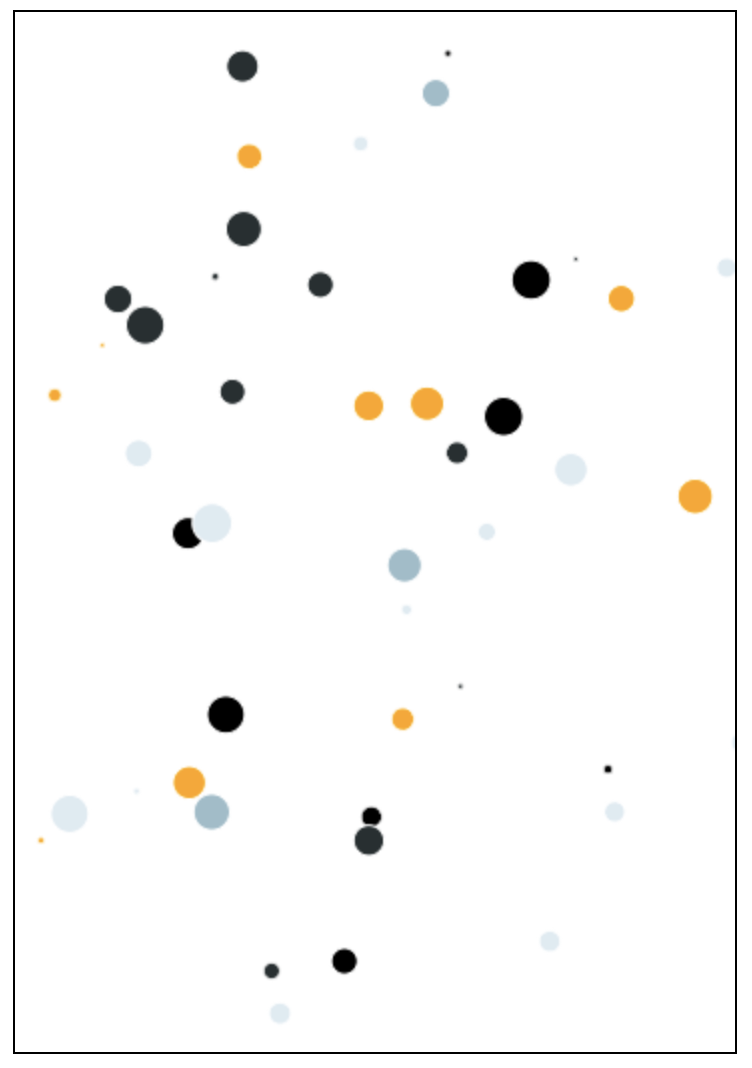
到此为止,我们已经能够画出circle了:
- 动起来。
如何让他们动起来呢?很清晰,利用raf,每帧会做两件事,更新circle坐标位置,清空画布,重新绘制。
给我们Circle类加一个update方法:
ok,聊到这里已经实现了我们最初的需求但是,看看有什么瑕疵呢?update () { if (this.x + this.radius > 360 || this.x - this.radius < 0) { this.dx = -this.dx } if (this.y + this.radius > 520 || this.y - this.radius < 0) { this.dy = -this.dy } this.x += this.dx this.y += this.dy // if (Math.abs(this.x - moveInfo.actualX) < 5 && Math.abs(this.y - moveInfo.actualY) < 5) { if (absDistance([this.x, this.y], [moveInfo.actualX, moveInfo.actualY]) < this.radius) { if (this.radius < maxRadius) { this.radius += 3 } } else if (this.radius > minRadius) { this.radius -= 3 } this.draw() } ... ... const run = () => { // do something requestAnimationFrame(run) c.clearRect(0, 0, 400, 600) for (let i = 0; i < cirArr.length; i++) { cirArr[i].update() } }
注意update函数中做的事情:更新数据,直接调用了draw执行绘制。这种操作极其不专业,因为可能会带来性能问题。就是我们一定要注意这边的逻辑: 改数据--绘制--改数据--绘制...,正确的操作应该是批量改数据--批量绘制。
All articles in this blog are licensed under CC BY-NC-SA 4.0 unless stating additionally.