Threejs系列:灯光
本文介绍threejs中的灯光相关设置
threejs中的光照配置的标配: 环境光 + 光源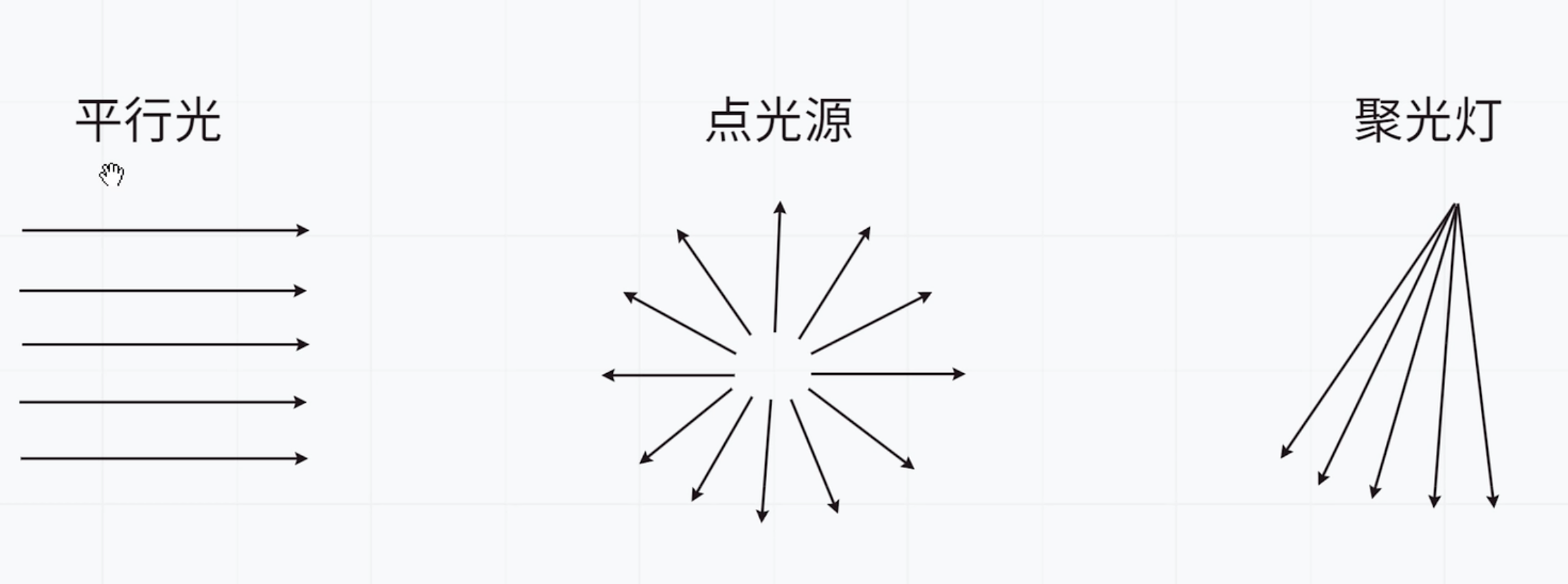
环境光: 无处不在的光
// 环境光 const envLight = new THREE.AmbientLight('white', 1) scene.add(envLight)注意:不添加环境光,物体设置的颜色无法显示。点光源
// 灯光配置
const pointLight = new THREE.PointLight(0xffffff,1, 1000)
pointLight.position.set(2, 3, 2)
pointLight.castShadow = true
scene.add(pointLight)
const sphereSize = 1;
const pointLightHelper = new THREE.PointLightHelper( pointLight, sphereSize, 'white' );
scene.add( pointLightHelper );
注意, 此处我们还加了一个helper帮助显示光源位置
创建物体和地面
// 物体
const geometry = new THREE.BoxGeometry( 1, 1, 1 );
const mesh = new THREE.MeshPhongMaterial(
{
    color: 'black',
    shininess: 1000
} );
const cube = new THREE.Mesh(geometry, mesh)
cube.position.set(0, 0.5, 0)
cube.receiveShadow = true
cube.castShadow = true
scene.add(cube)

// 地面面图形
const floor = new THREE.Mesh(
new THREE.PlaneGeometry( 10, 10 ),
new THREE.MeshPhongMaterial( {color: 0x1b5120, side: THREE.DoubleSide} )
)
floor.receiveShadow = true

// floor.rotation.x -= Math.PI / 2
floor.rotateX(Math.PI / 2)
scene.add( floor );
render配置能显示阴影
renderer.render(scene, camera)
最终效果如下: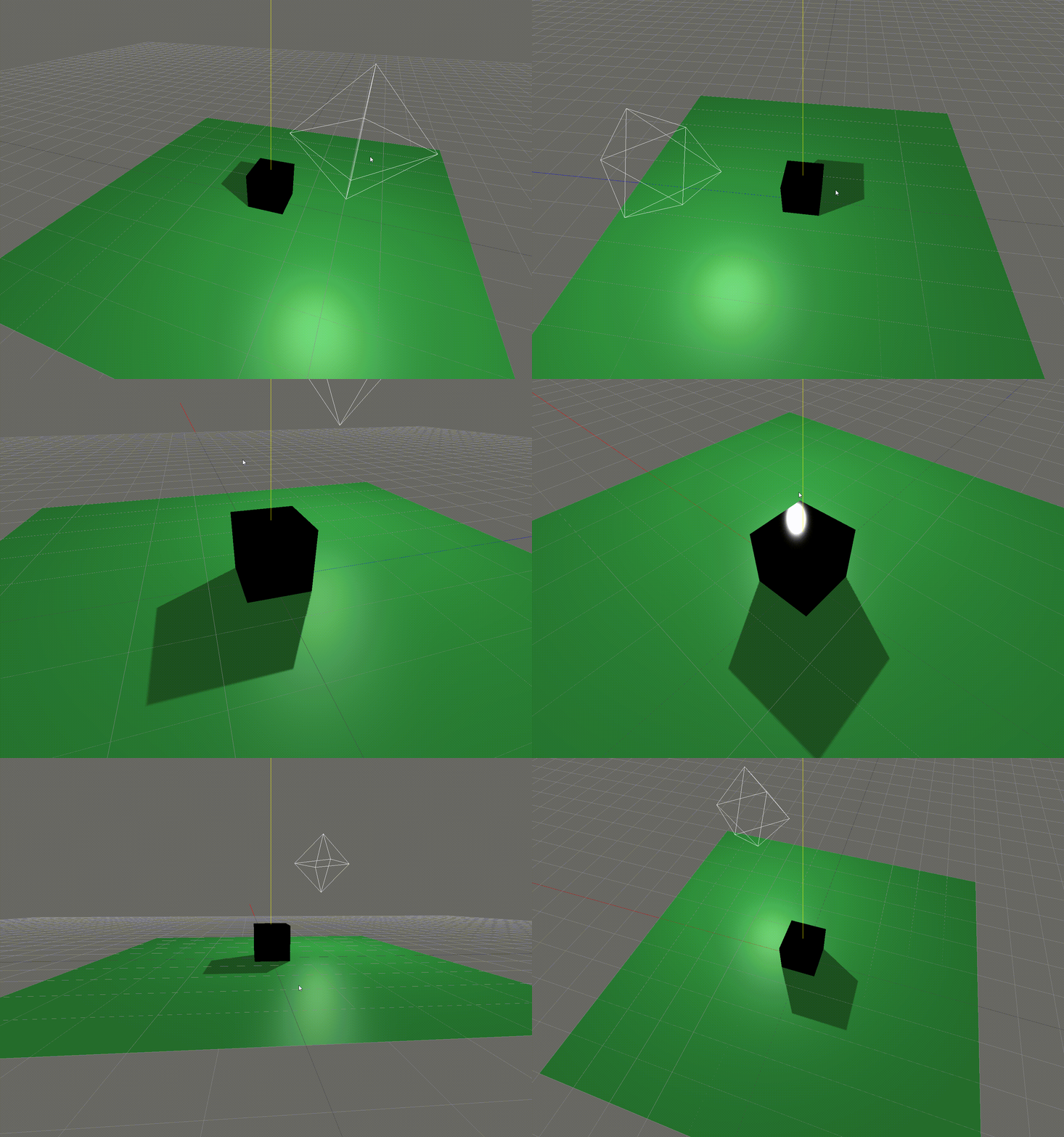
- 针对导入的模型进行处理
在加载成功的回调中,通过traverse获取目标物体,设置阴影。const dracoLoader = new DRACOLoader() dracoLoader.preload() dracoLoader.setDecoderPath("./draco/") loader.setDRACOLoader(dracoLoader) loader.load("Pistol_Model.glb", function(gltf) { console.log('success!!!') const air = gltf.scene console.log(air) air.position.set(2,3,2) air.traverse((child) => { if (child.name === 'Pistol_Hammer') { child.receiveShadow = true child.castShadow = true console.log('我是收起') } }) scene.add(air) })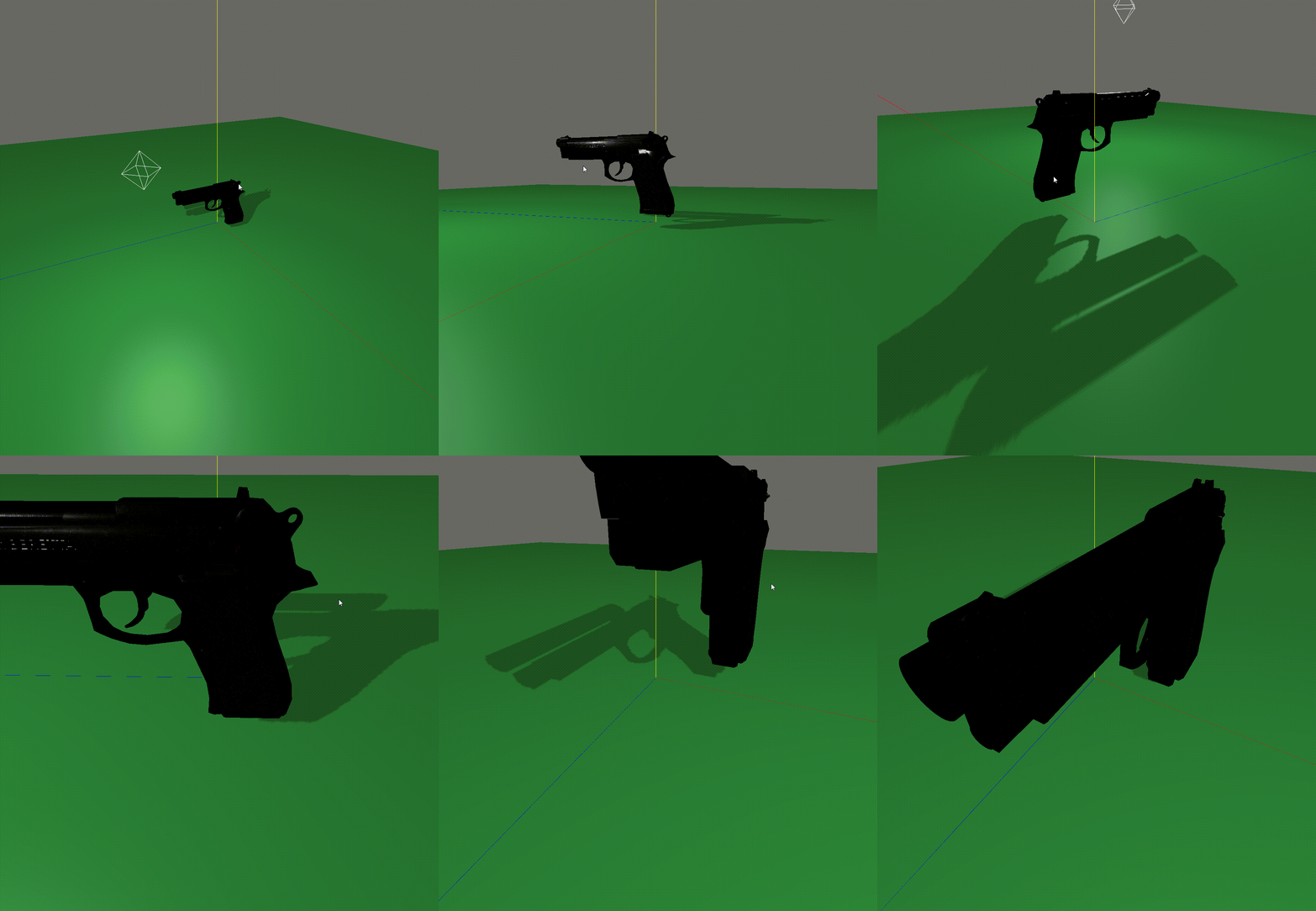
文毕。
All articles in this blog are licensed under CC BY-NC-SA 4.0 unless stating additionally.